MaxMind for NEXT
What MaxMind does with NEXT
A risk score on every checkout
Each checkout gets a score from 0 to 100 before payment is taken. Above your store's risk tolerance, the payment is declined and no order is created.
No app or license key
MaxMind minFraud is part of the platform, so there's no app to install and no MaxMind account or license key to enter.
See why a checkout was blocked
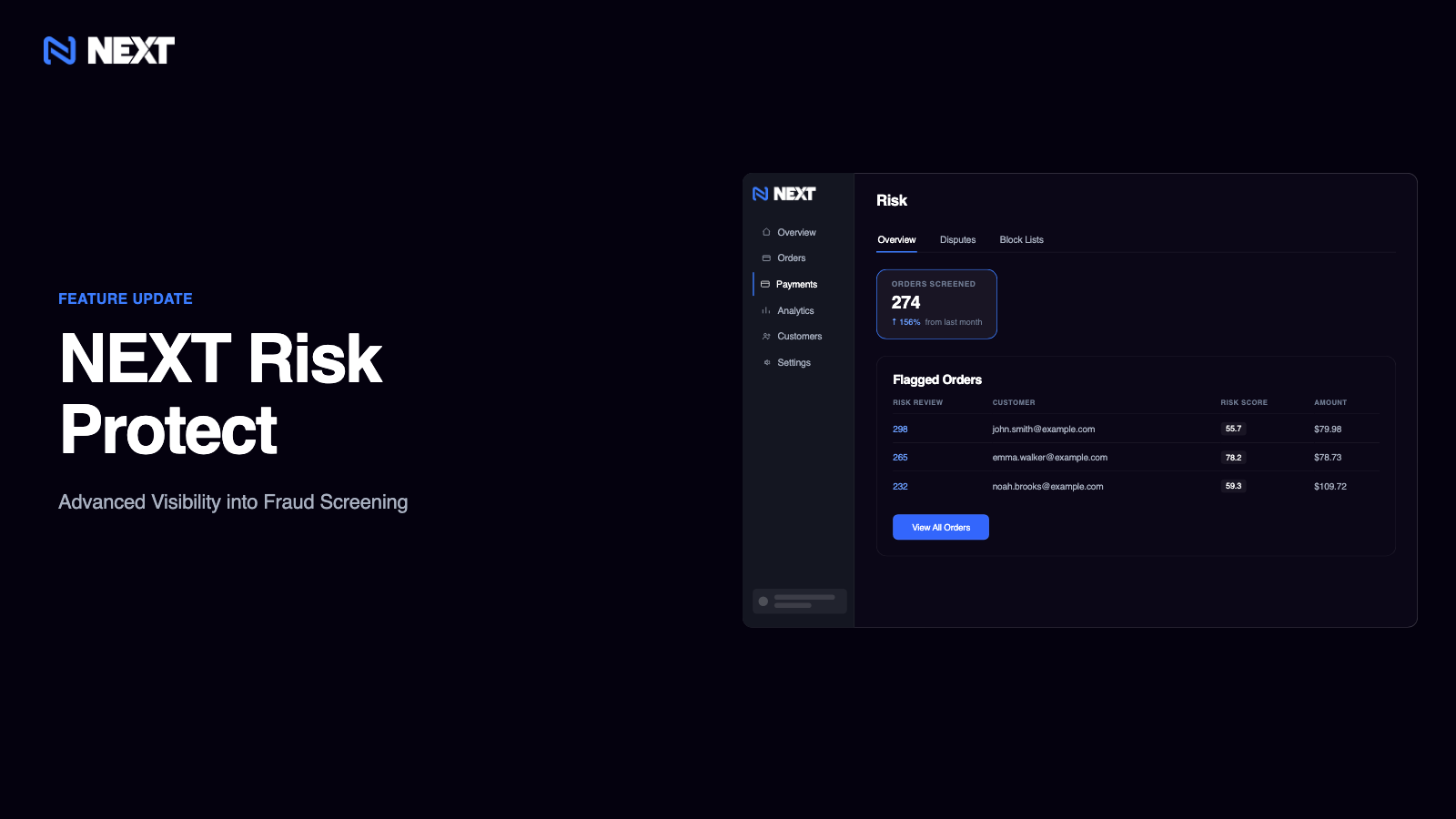
Payments > Risk lists blocked attempts with the score, amount, card ending, and IP country, and each review shows the signals that moved the score.
One setting to tune
Set your Risk Tolerance from 10, the strictest, to 90, the most permissive. Next Commerce recommends 50 as a starting point.
Setting up MaxMind
- In your NEXT dashboard, go to Settings > Payments and find the Risk section.
- Use the Risk Tolerance slider to choose a value from 10 to 90, starting with the recommended 50, and save your changes.
- Review blocked attempts under Payments > Risk and adjust your fraud screening tolerance if legitimate customers are being declined.
More in Fraud and chargebacks
Chargeback.io
Resolve card-network alerts from Ethoca and Verifi before a chargeback is filed.
Chargeblast
Catch dispute alerts before they become chargebacks, then act on rules.
Disputifier
Block risky transactions and contest chargebacks automatically.
Chargeback360
Add Chargeback360's chargeback management to the dispute tools connected to your NEXT store.
RCVR
Add RCVR's dispute resolution services to the chargeback tools connected to your NEXT store.


Ready to unlock your growth potential?
NEXT’s native features and flexible architecture enable you to sell however you’d like.